MetaDefender Drive Smart Touch v1.5.0 apporte de nouvelles améliorations visant à sécuriser les appareils des fournisseurs ou des sous-traitants utilisés dans le cadre des opérations quotidiennes avant qu'ils ne se connectent aux systèmes critiques. Cette version propose une approche sécurisée du transfert de fichiers, offrant une visibilité claire et une gestion des codes d'accès, ce qui garantit aux opérateurs sur le terrain une protection renforcée à chaque étape du processus de gestion des fichiers.
Un processus de stockage Secure offrant une visibilité claire
Avec cette version, MetaDefender Drive Smart Touch offre un processus de stockage de fichiers sécurisé qui n'autorise l'accès aux systèmes critiques qu'aux fichiers fiables et vérifiés. Cette fonctionnalité est conçue pour s'intégrer de manière transparente à MetaDefender Kiosk.
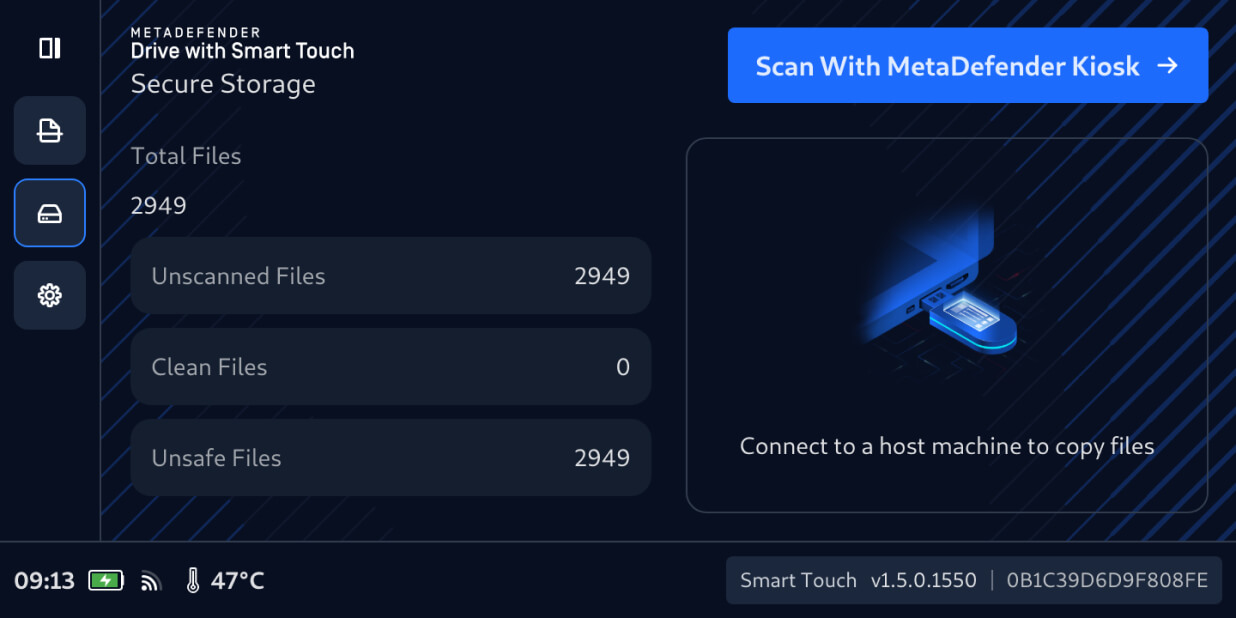
Les utilisateurs peuvent désormais transférer en toute sécurité des fichiers depuis des périphériques amovibles vers MetaDefender Drive la fonction Smart Touch, comme ils le feraient avec une USB classique. Les fichiers ainsi transférésrestent masqués par défaut dans l'espace Secure . Ils ne peuvent être partagés ou diffusés qu'après avoir été analysés et validés par un MetaDefender Kiosk.
Vérifier les fichiers non analysés avecMetaDefender Kiosk
Pour vérifier que les fichiers stockés de manière sécurisée peuvent être utilisés en toute sécurité, connectez leMetaDefender Drive Smart Touch contenant les fichiers à un MetaDefender Kiosk en cours d'exécution, puis :
1. Sur le MetaDefender Drive l'interface Smart Touch, appuyez sur «Scan with MetaDefender Kiosk ».
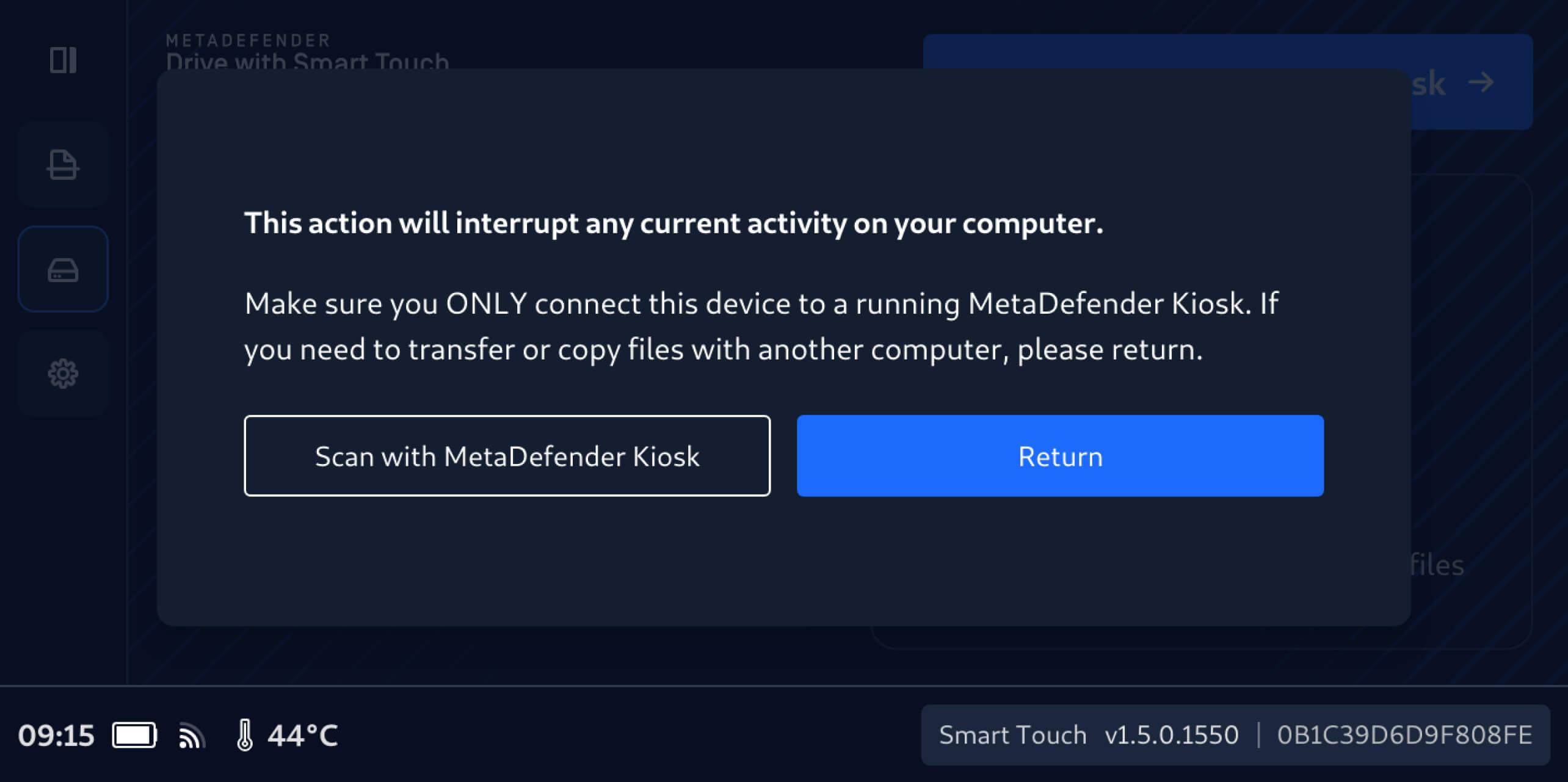
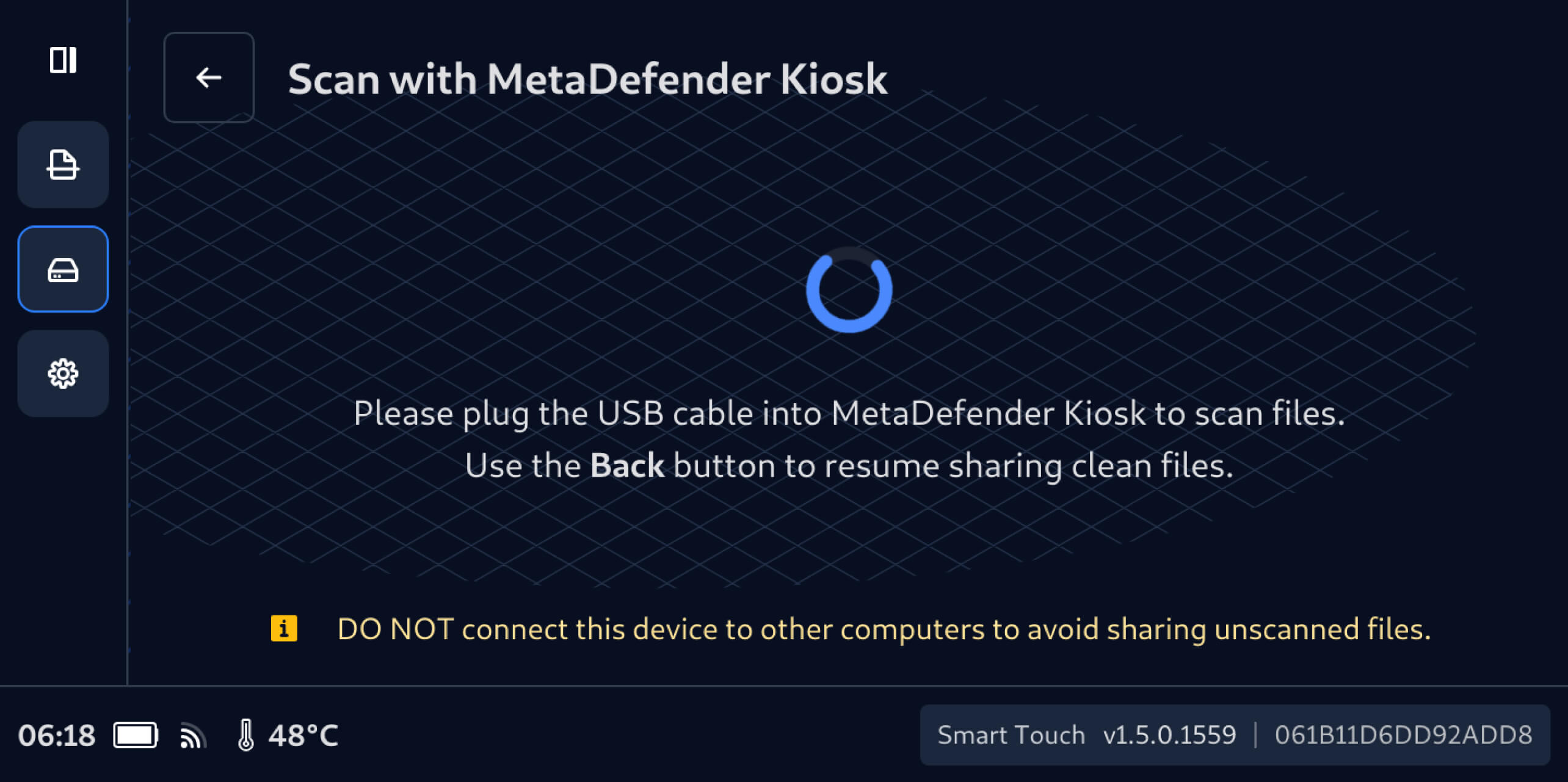
2. Il est important de ne pas connecterDrive MetaDefender Drive Smart Touch à un autre ordinateur tant que les fichiers stockés en toute sécurité n'ont pas été analysés et vérifiés.
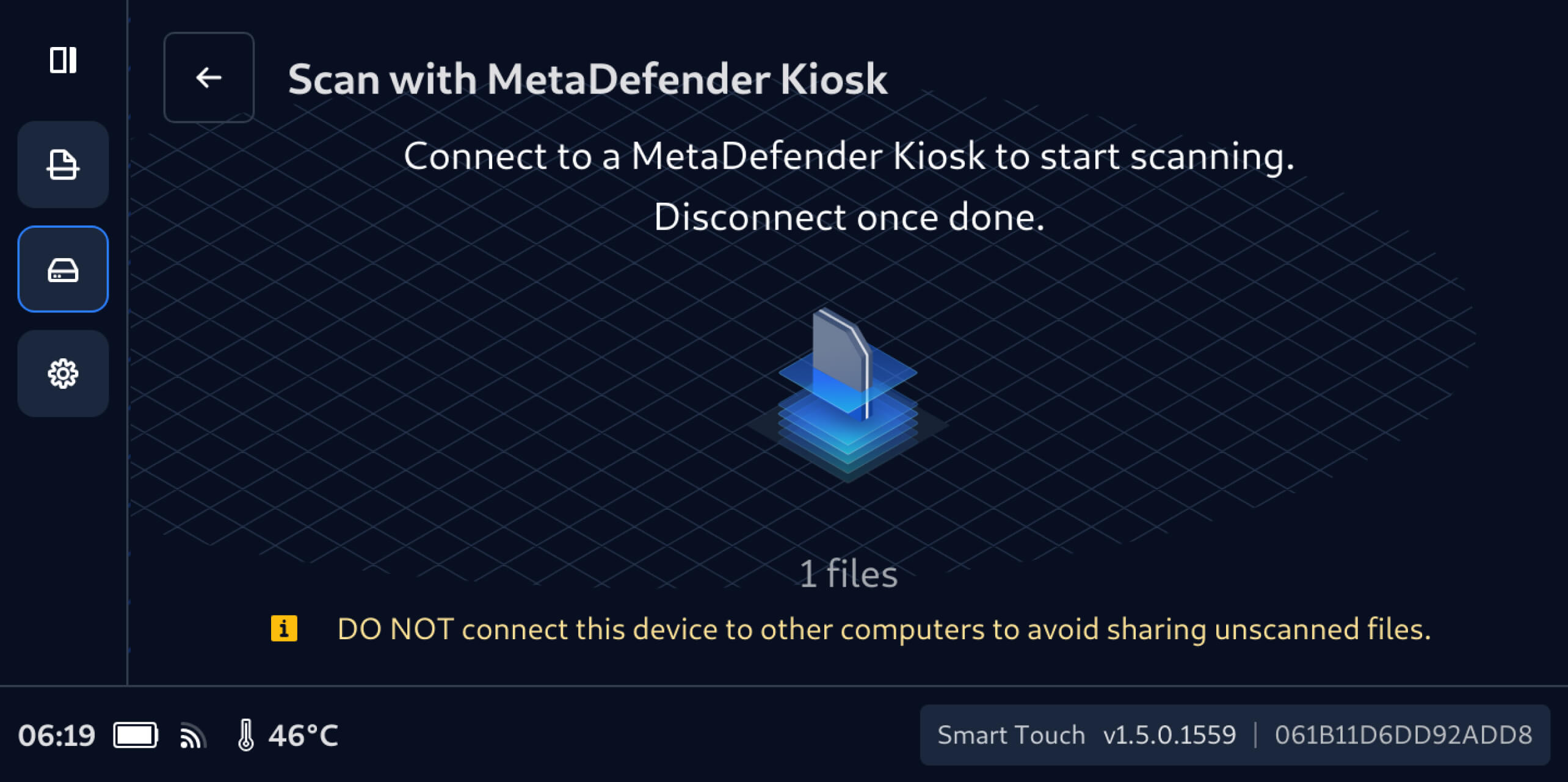
3. Une fois connecté à unKiosk MetaDefender , le nombre de fichiers non analysés, qui était auparavant masqué, s'affichera sur le MetaDefender Drive écran tactile Smart Touch, et ces fichiers seront prêts à être analysés à l'aide duKiosk MetaDefender connecté.
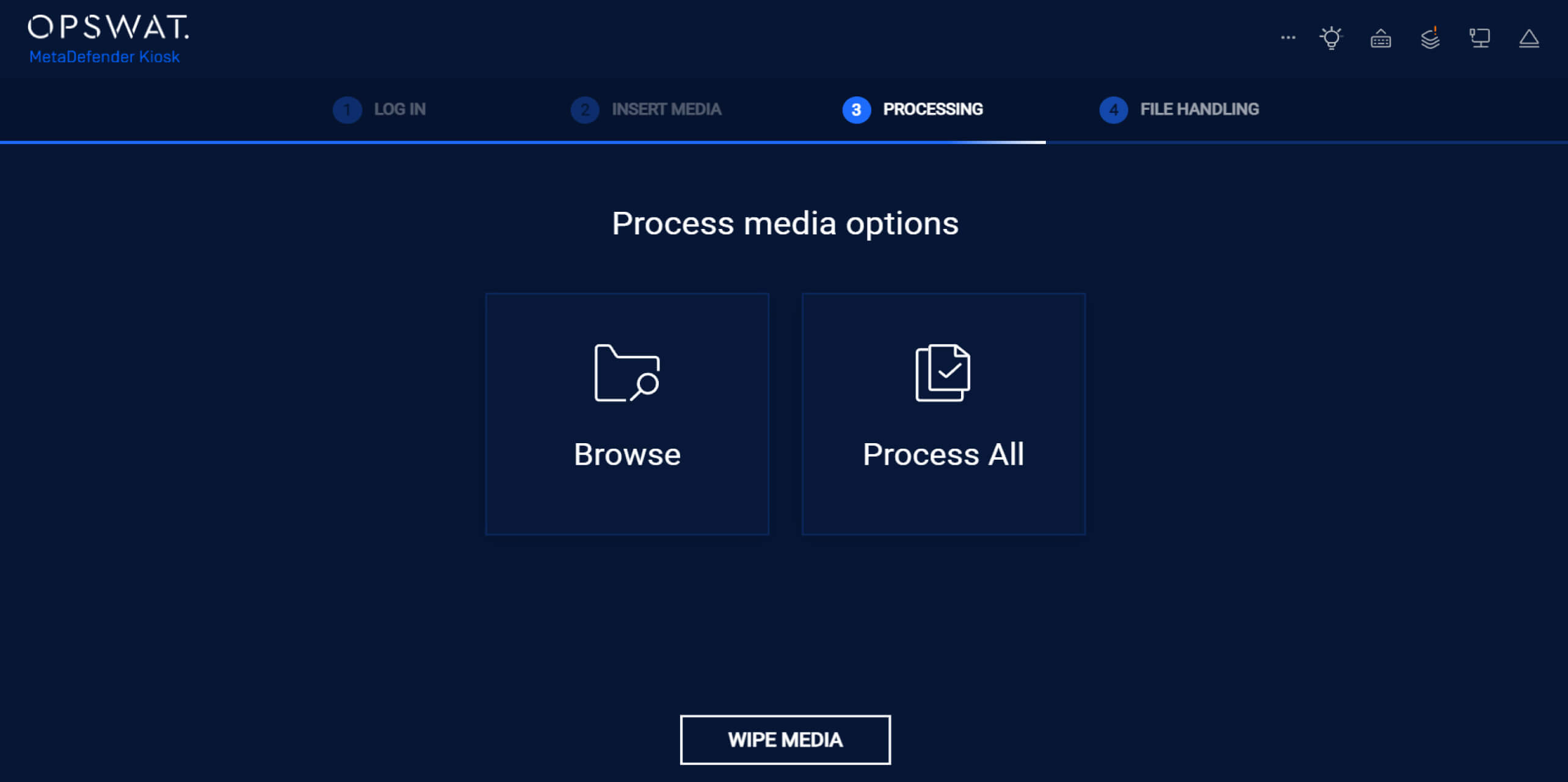
4. DansKiosk MetaDefender Kiosk , appuyez sur « Process All » pour vérifier tous les fichiers non analysés présents dans le MetaDefender Drive Smart Touch Secure .
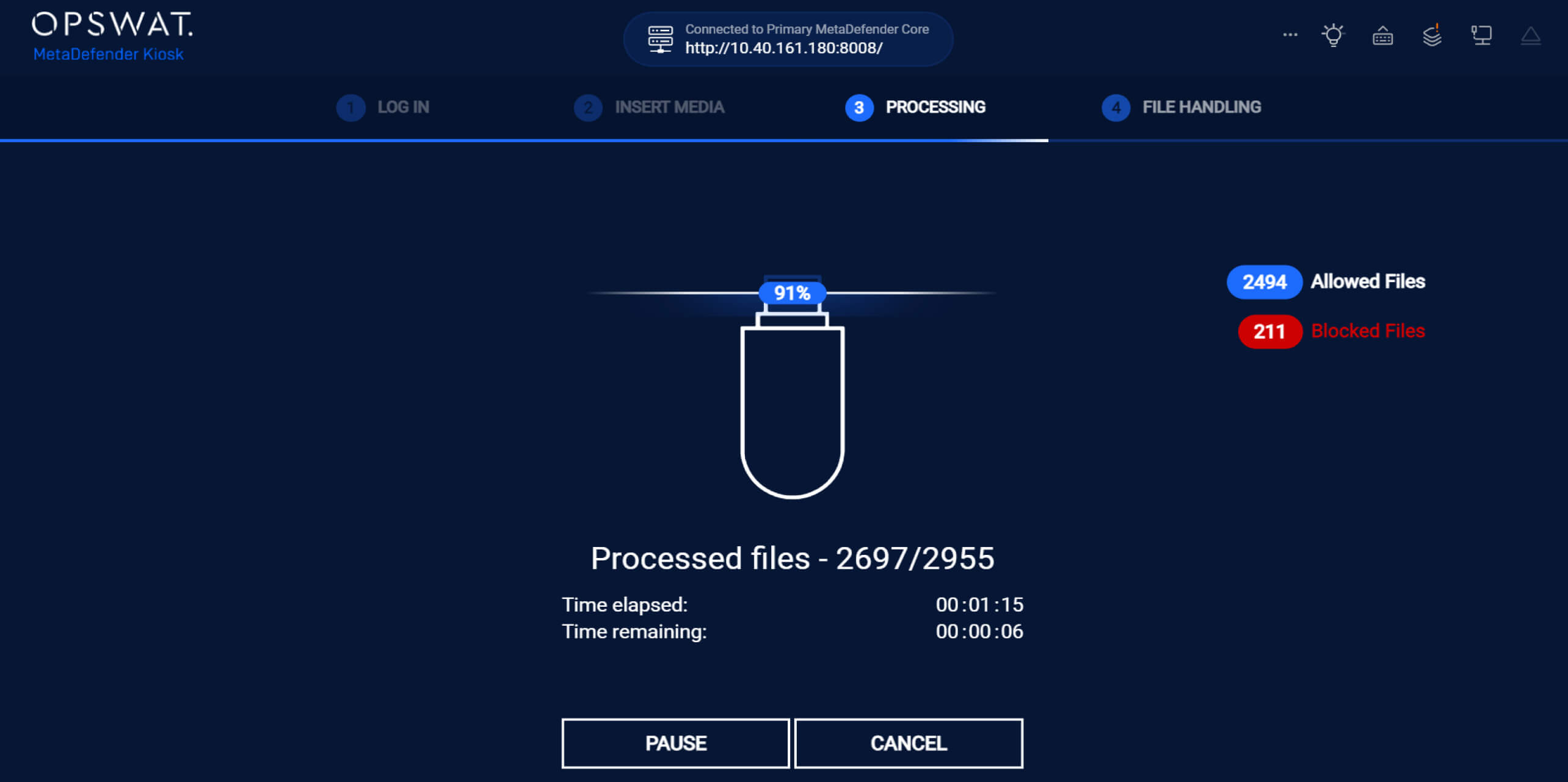
5. Pendant l'analyse, MetaDefender Kiosk les résultats en temps réel, indiquant clairement le nombre de fichiers autorisés et bloqués.
6. Une fois tous les fichiers traités, MetaDefender Kiosk le nombre de fichiers autorisés et bloqués.
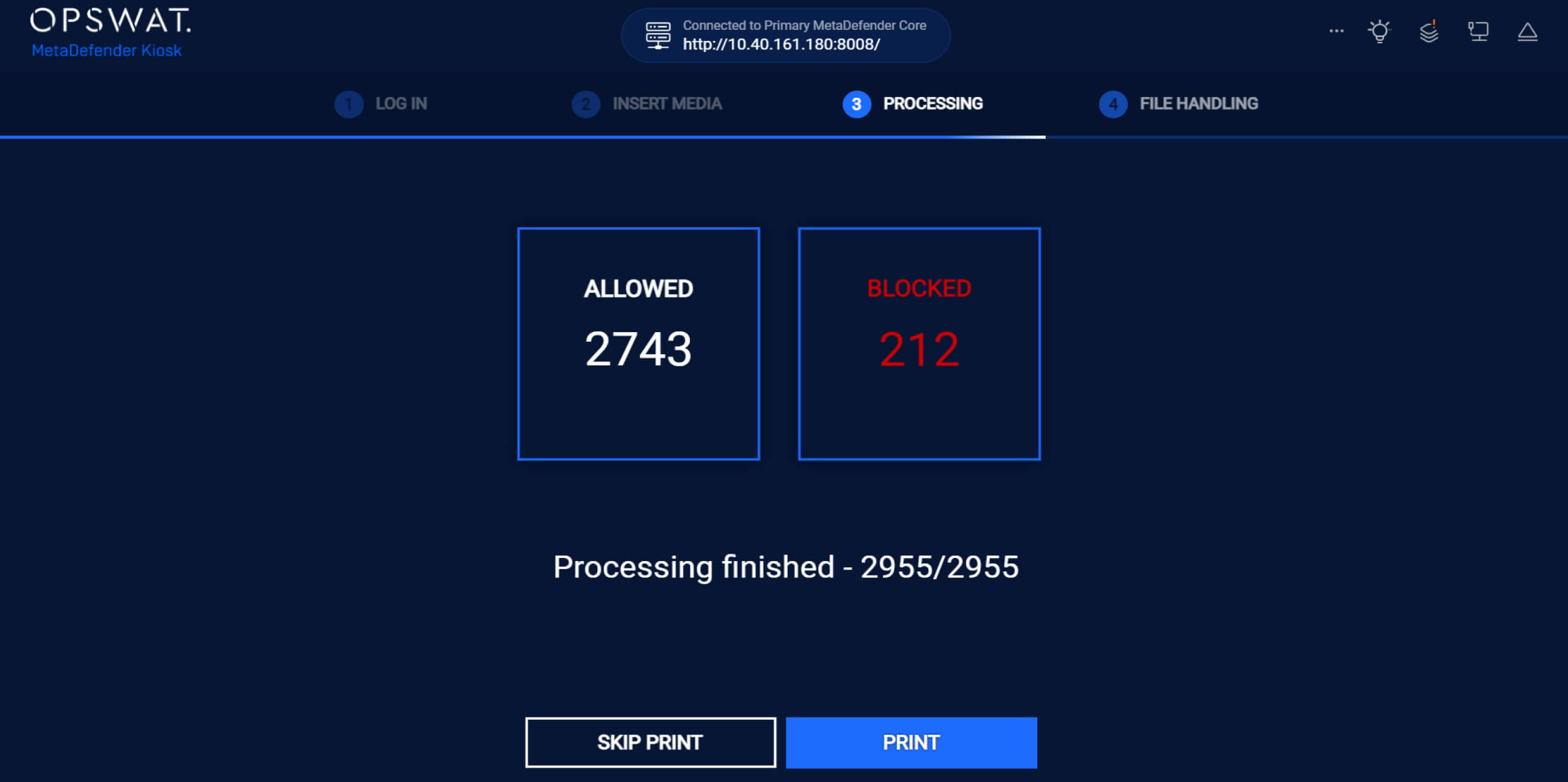
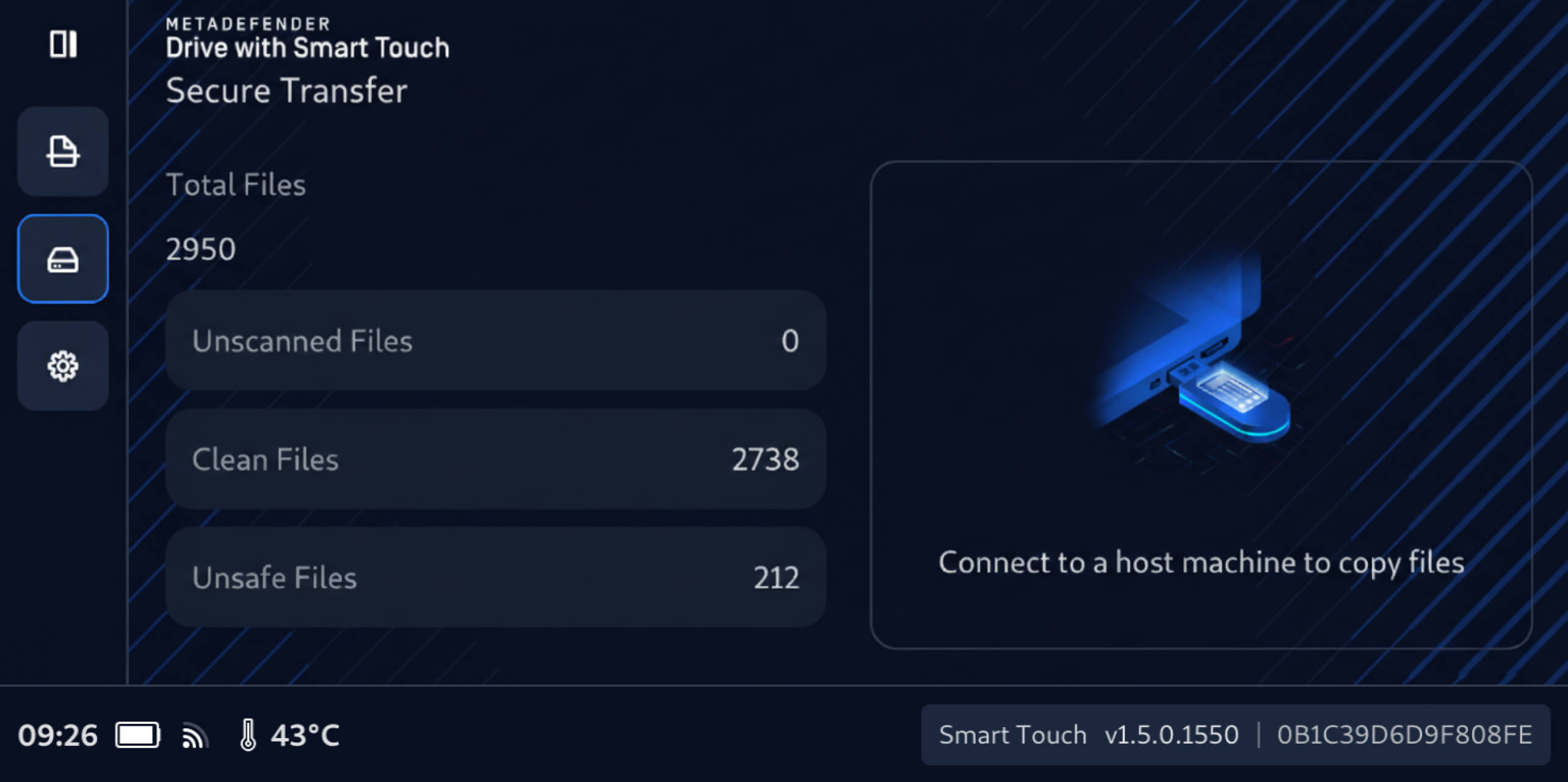
Une fois la numérisation terminée :
- Les fichiers dont la propreté a été vérifiée sont explicitement signalés comme sûrs et disponibles au partage
- Les fichiers dangereux restent bloqués et ne peuvent être ni consultés ni diffusés
MetaDefender Drive gestion intelligente des codes d'accès
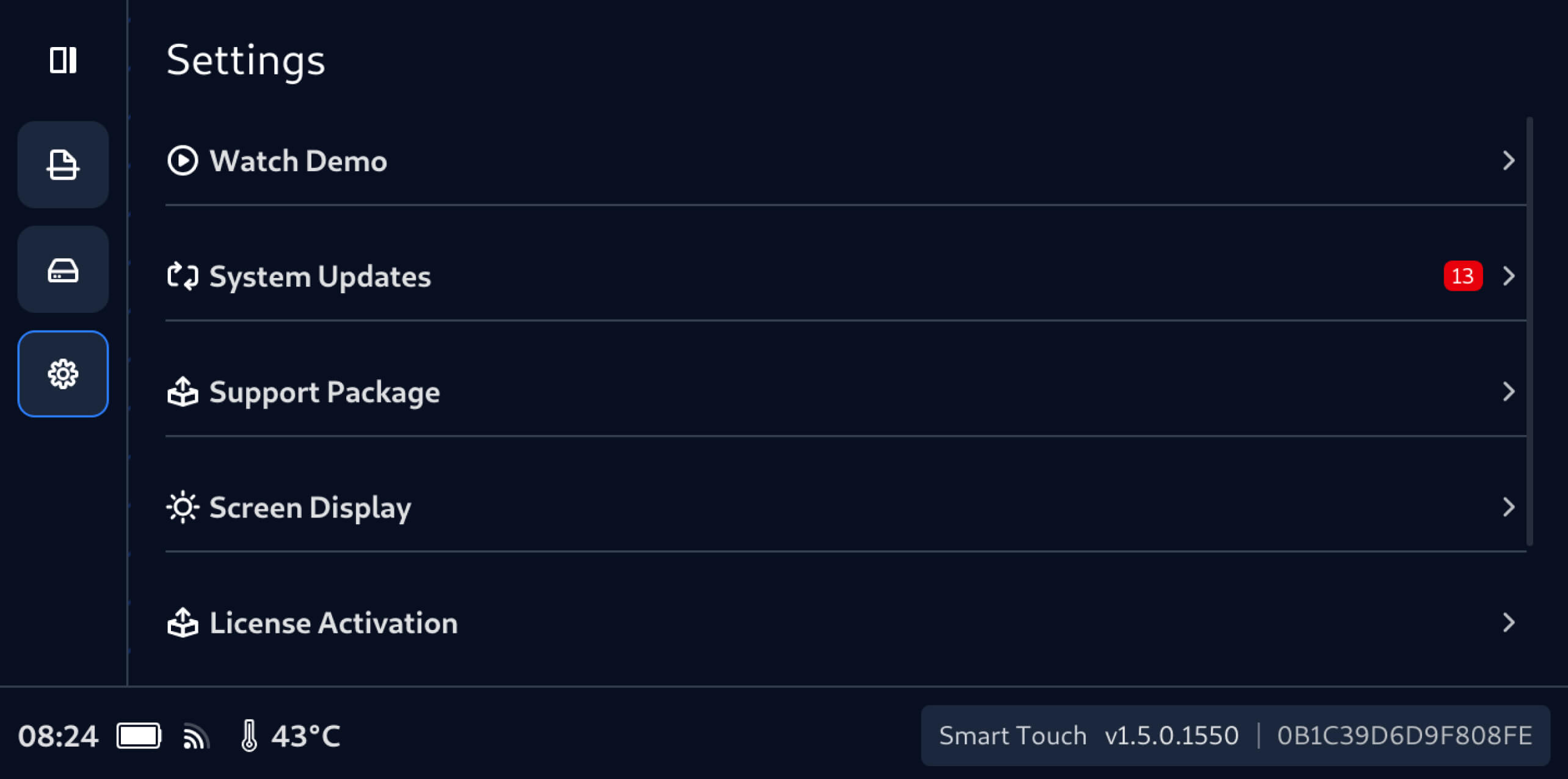
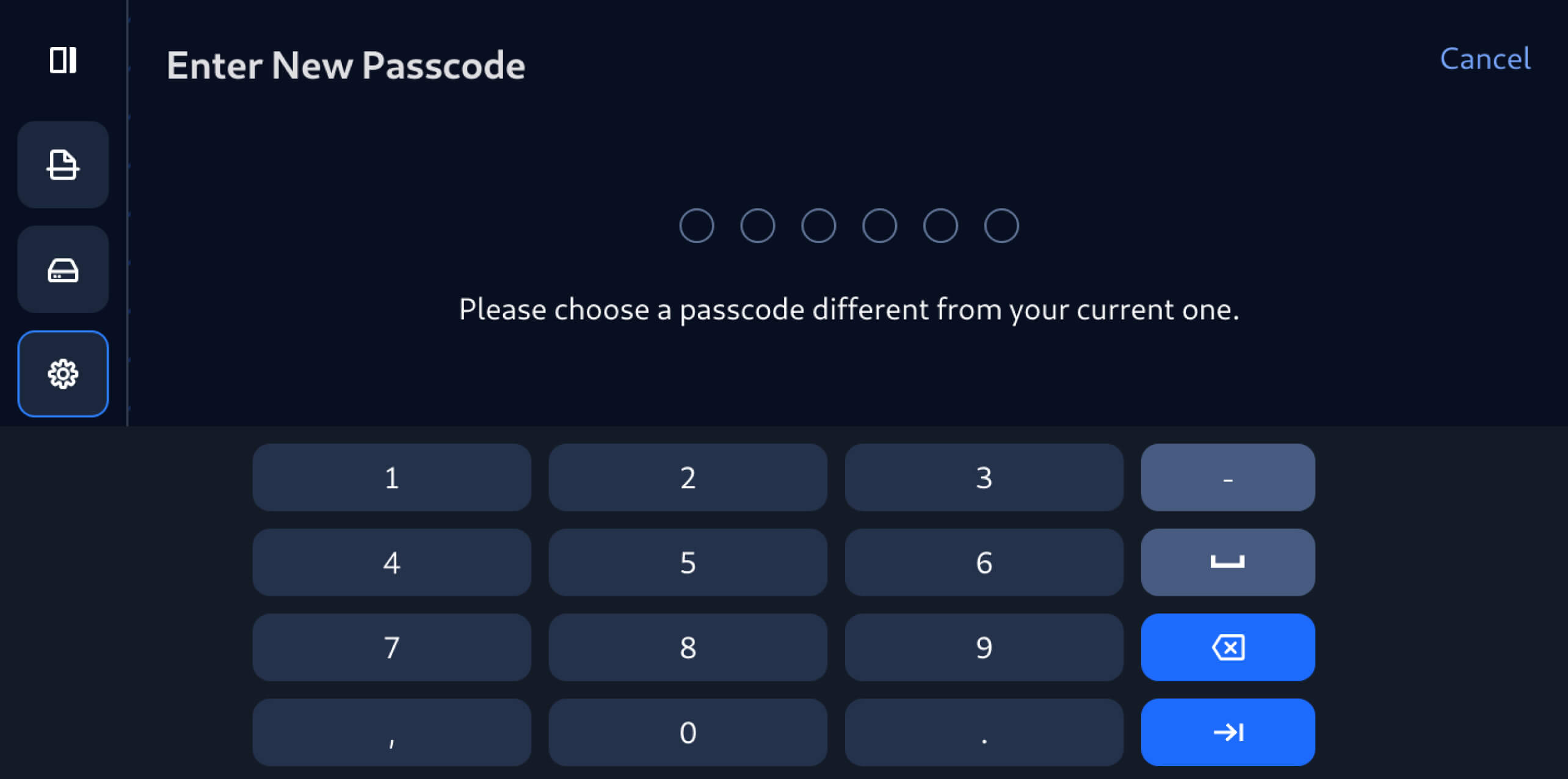
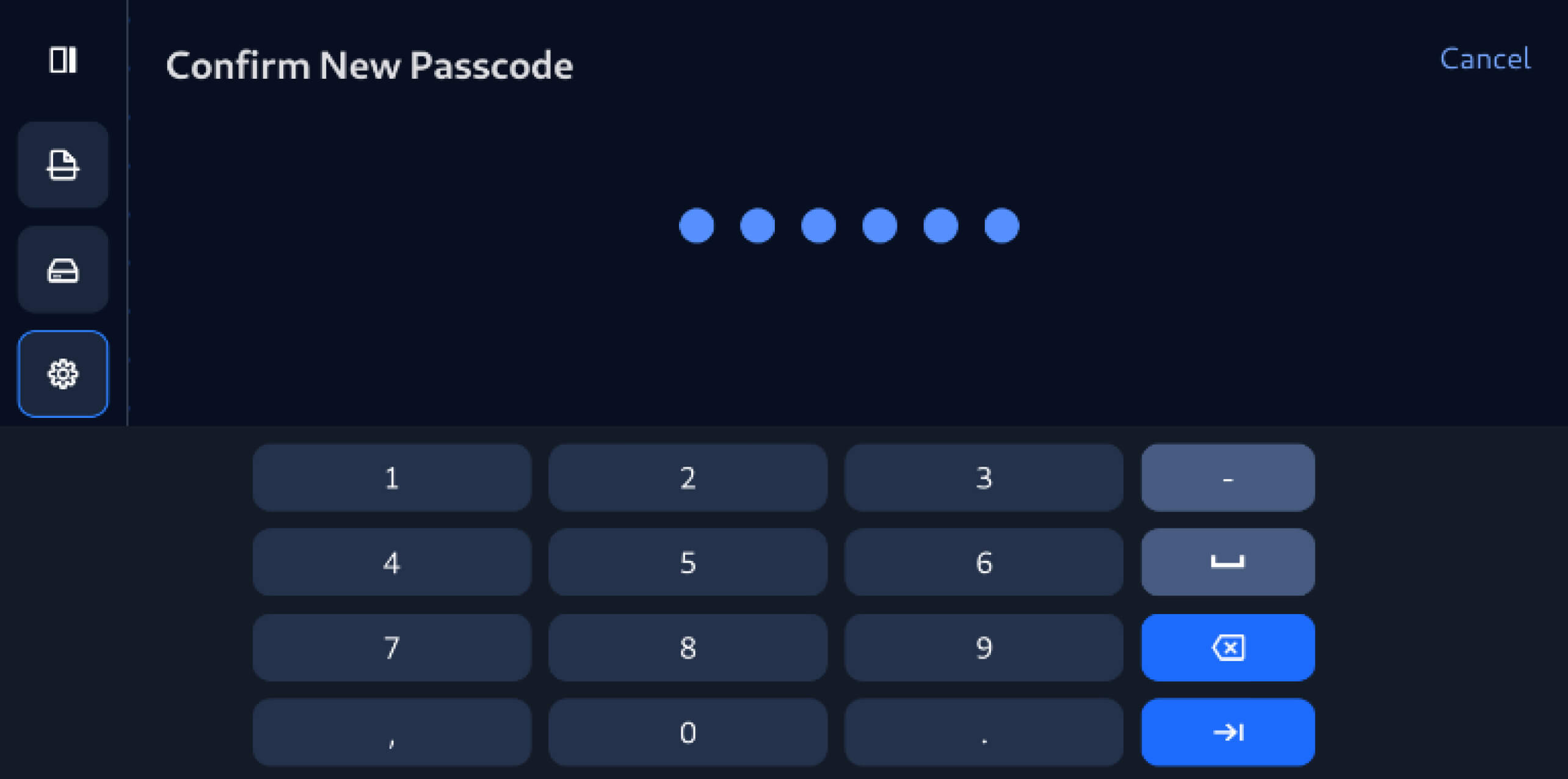
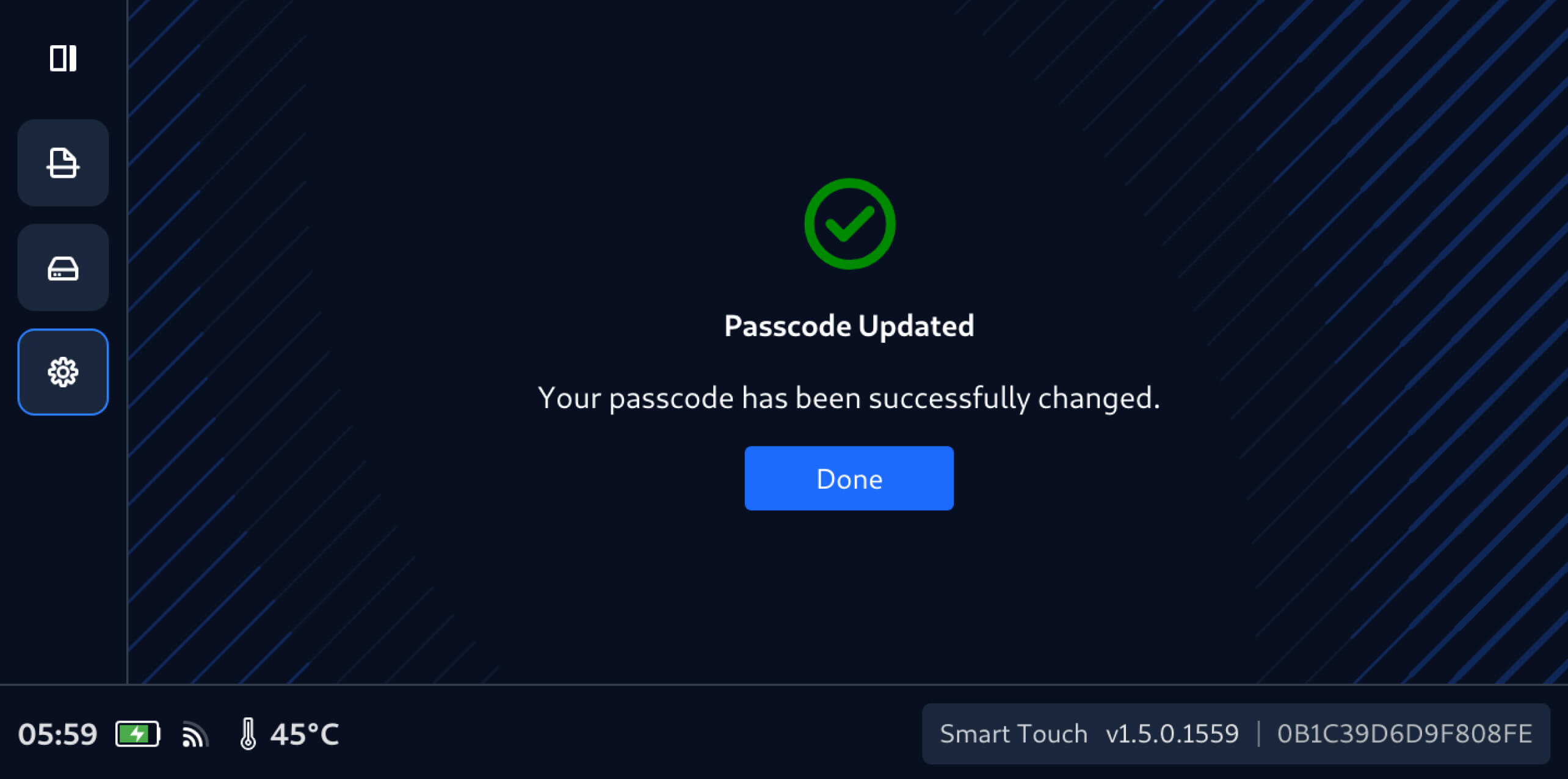
Cette version de MetaDefender Drive Smart Touch introduit également la gestion du code d'accès directement sur l'appareil, permettant ainsi aux utilisateurs de mettre à jour le code d'accès Smart Touch directement depuis l'appareil en quelques étapes simples :
Détails de la publication :
- Produit : MetaDefender Drive Smart Touch
- Date de sortie : 19 janvier 2026
- Notes de mise à jour : En savoir plus ici
Pour mettre à jourMetaDefender Drive Smart Touch, appuyez sur « Mise à jour du système » sur l'écran d'accueil pour accéder à la vue centralisée des mises à jour.

