MetaDefender Drive .4.3 introduit de nouvelles fonctionnalités qui optimisent encore davantage la gestion des appareils et améliorent la convivialité opérationnelle dans les environnements hautement sécurisés. Cette version renforce l'intégration avec MetaDefender et comprend plusieurs améliorations en matière de convivialité, conçues pour simplifier les opérations quotidiennes des équipes OT et des administrateurs.
Mettre à jourDrive MetaDefender via MetaDefender Kiosk
Dans les versions précédentes, MetaDefender Drive se connecter à MetaDefender Kiosk synchroniser les rapports d'analyse avec My Central Management mettre à jour les moteurs d'analyse des logiciels malveillants. Cette version permetDrive MetaDefender Drive de maintenir à jour leDrive MetaDefender Drive via un MetaDefender Kiosk, ce qui renforce l'intégration au sein de la MetaDefender , réduit les étapes manuelles et prend en charge le fonctionnement autonome.
Les utilisateurs peuvent désormais effectuer une mise à niveauDrive MetaDefender Drive directement via MetaDefender Kiosk:
1. Branchez le MetaDefender Drive un MetaDefender Kiosk, qui détecte automatiquement le MetaDefender Drive connectéDrive affiche une notification
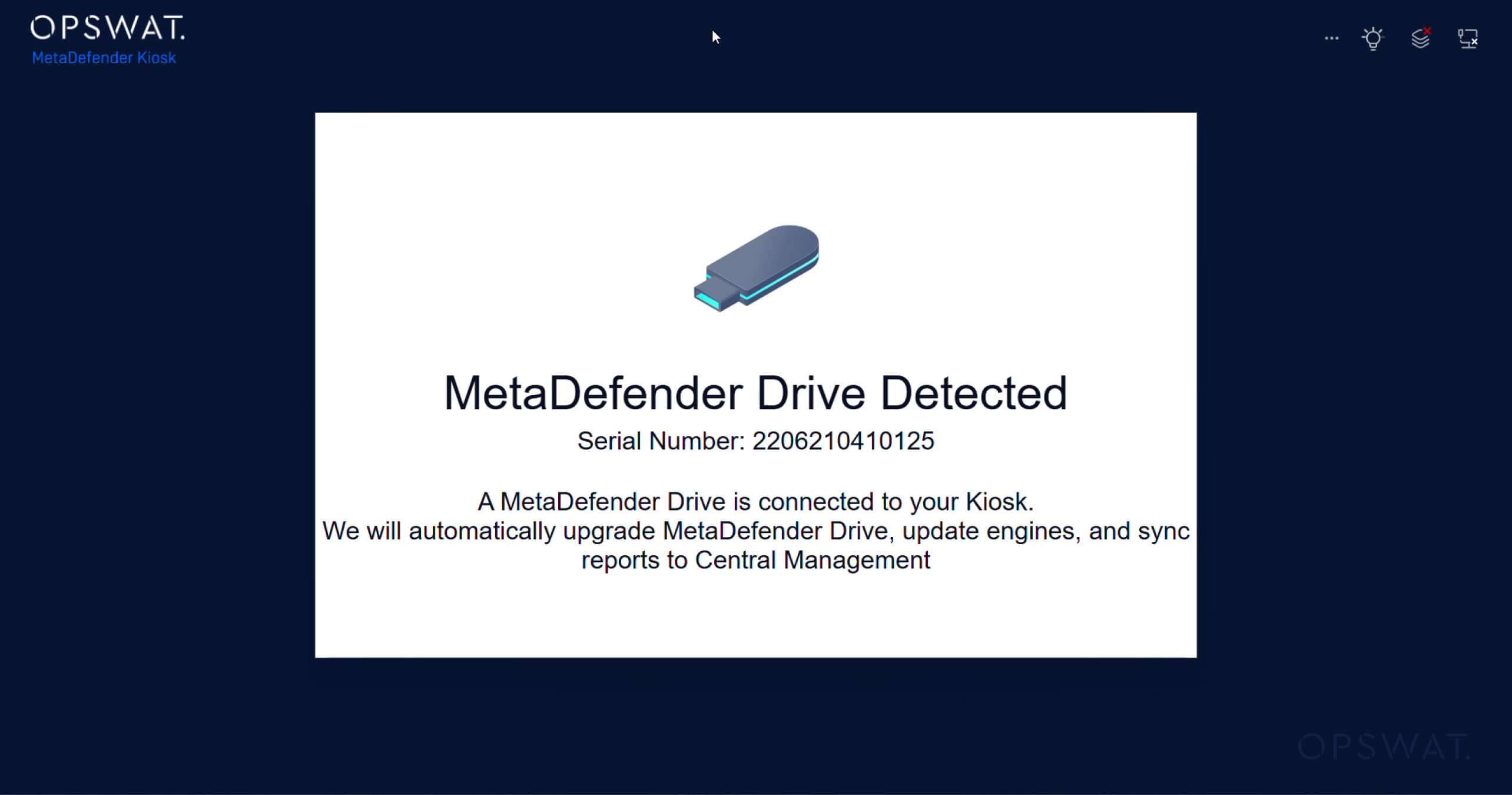
2. La synchronisation démarre automatiquement et comprend :
- Synchronisation des rapports d'analyse avec My OPSWAT Central Management
- Mises à jour du moteur anti-malware
- Mises à jourDrive MetaDefender
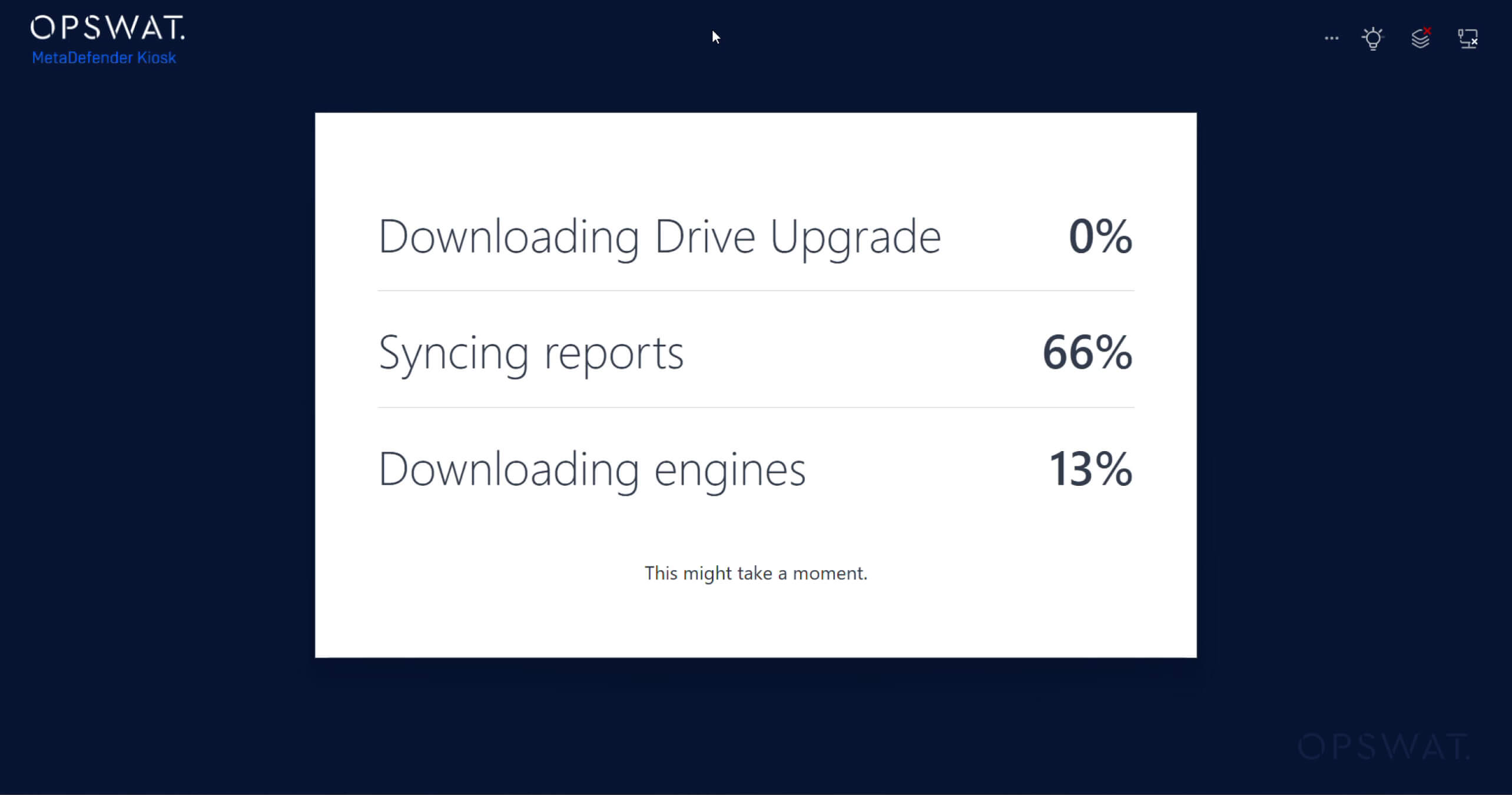
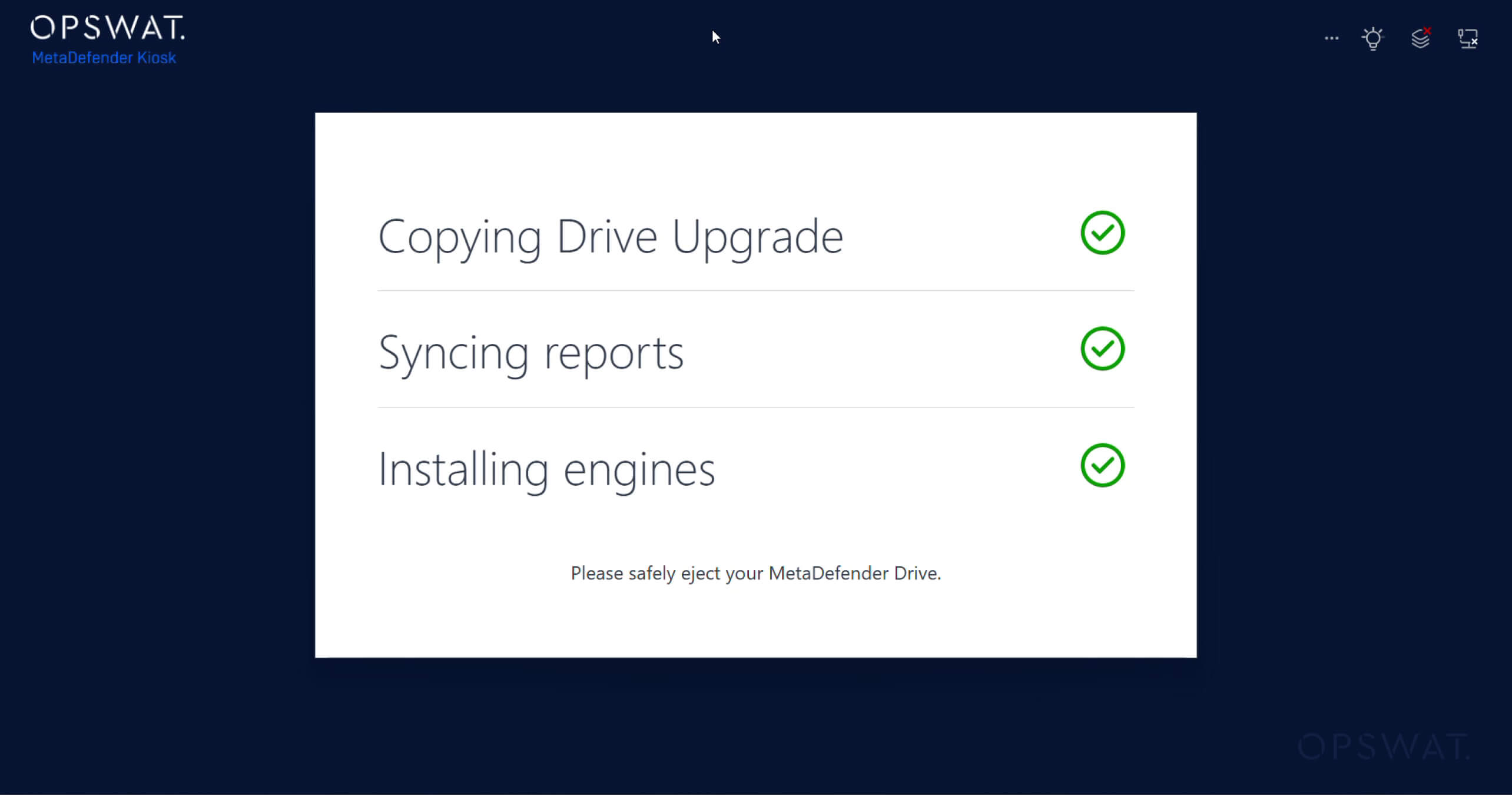
3. Consultez la synchronisation et les mises à jour effectuées surKiosk MetaDefender Kiosk :
Nettoyage automatique des fichiers temporaires après l'analyse
MetaDefender Drive supprimeDrive automatiquement les fichiers temporaires générés lors des analyses. Ce nettoyage automatisé permet de libérer de l'espace disque et de maintenir une disponibilité optimale du stockage sur l'appareil. Dans les environnements où les appareils sont analysés fréquemment, cette amélioration garantit une utilisation efficace de l'espace disque et permet de maintenir l'appareil prêt à l'emploi en continu, sans nécessiter d'intervention manuelle.
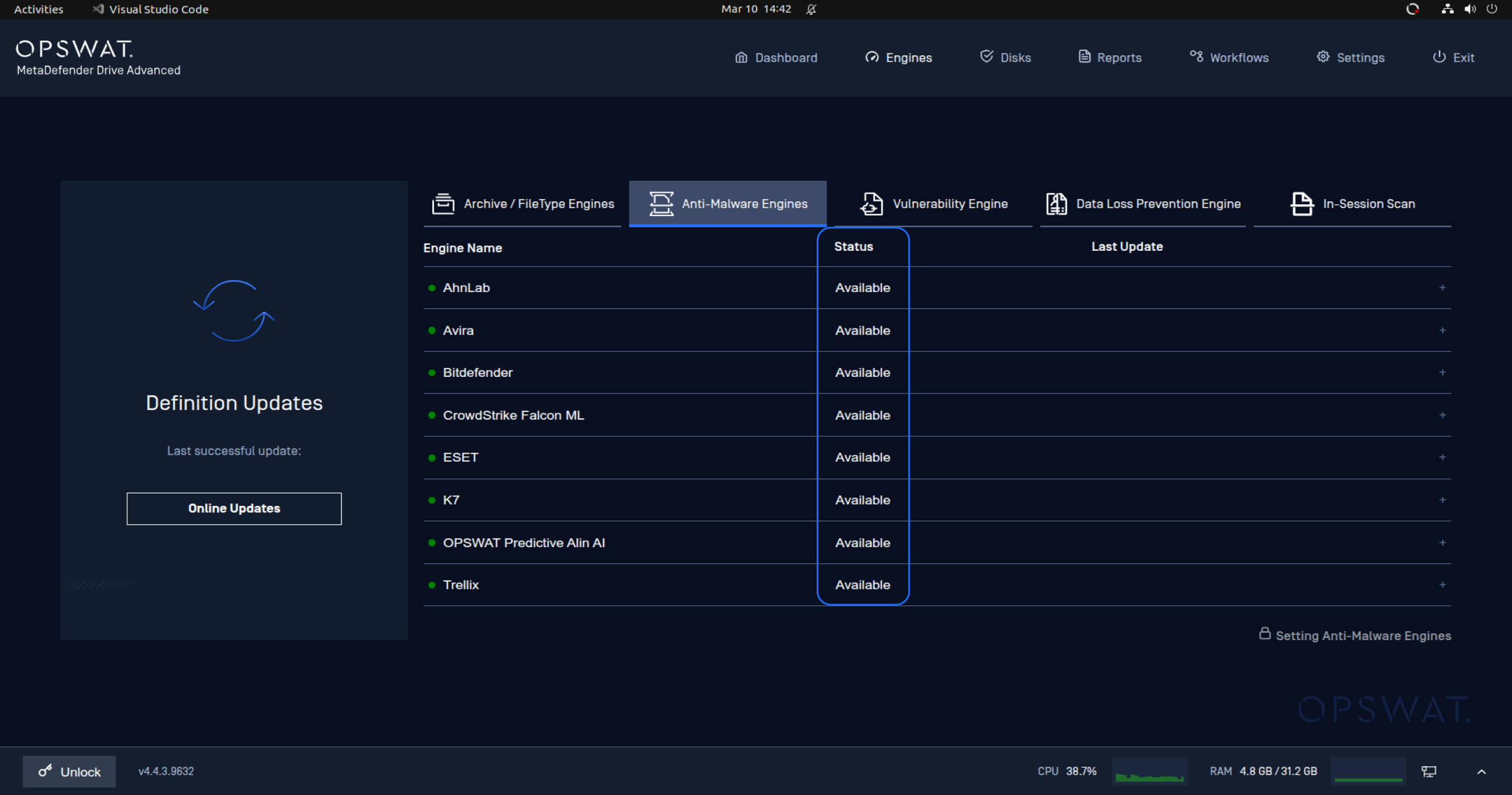
Indicateurs d'état du moteur améliorés
Les indicateurs d'état des moteurs ont été mis à jour afin de fournir des informations plus claires et plus intuitives sur la disponibilité des moteurs d'analyse des logiciels malveillants. Les anciens états, tels que « Désactivé » ou « Téléchargé », ont été remplacés et simplifiés pour n'afficher désormais que l'état « Disponible », avec une icône verte indiquant que les moteurs sont prêts à l'emploi.
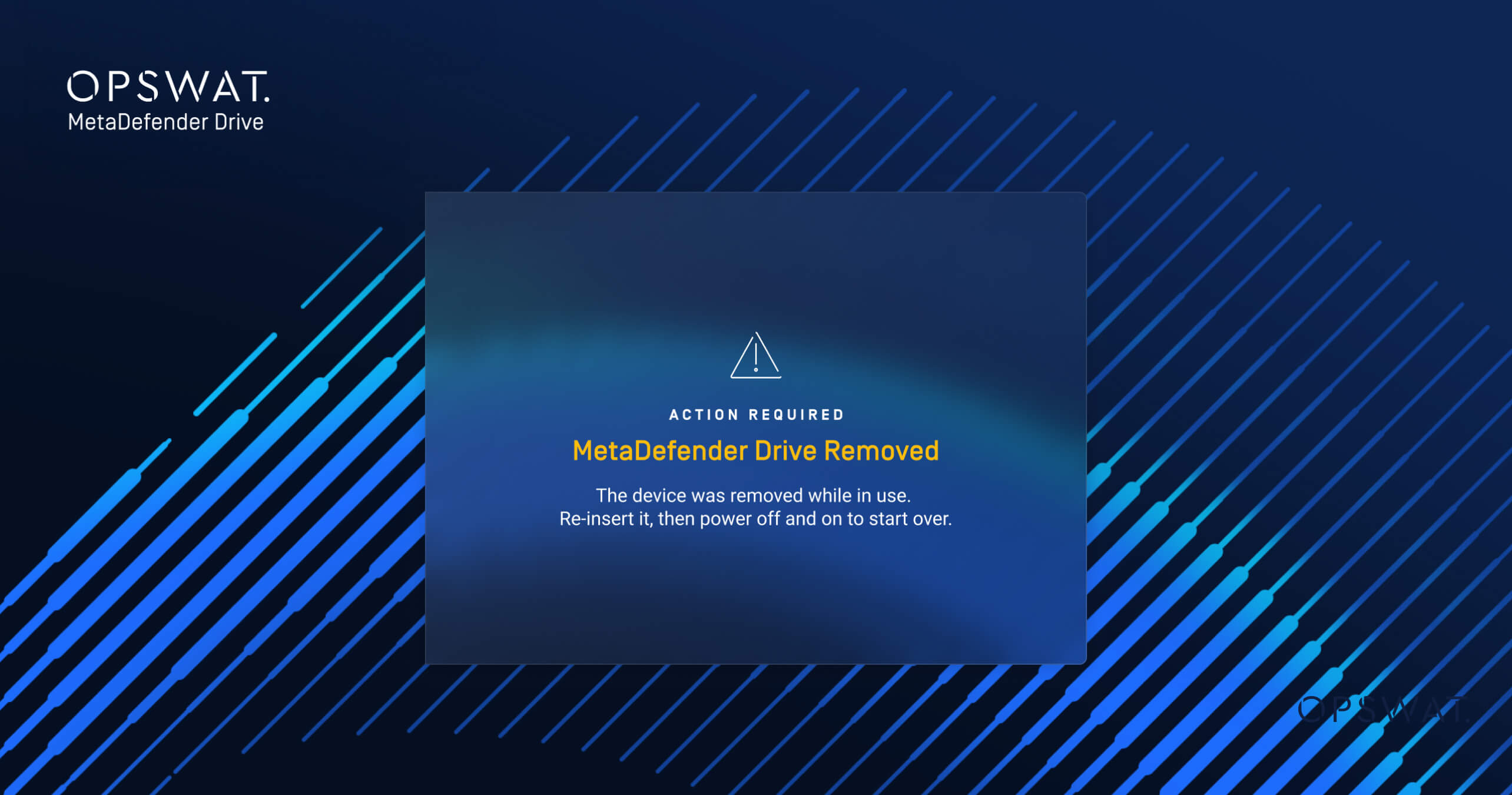
Afficher un message d'erreur clair lorsqueDrive MetaDefender Drive éjecté
Cette version inclut également une nouvelle notification destinée aux utilisateurs lorsqu'Drive MetaDefender Drive éjecté en cours d'utilisation. Si un MetaDefender Drive déconnecté alors qu'une opération est en cours, le système affiche désormais un message d'erreur clair indiquant qu'un redémarrage est nécessaire et que l'opération en cours a été interrompue.
Détails de la publication :
- Produit : MetaDefender Drive
- Date de sortie : 17 mars 2026
- Notes de mise à jour : En savoir plus ici
Pour mettre à jourMetaDefender Drive, téléchargez la dernière version deMetaDefender Drive et suivezles instructions d'installation.

