MetaDefender Drive .4.1 répond à ce défi qui consiste à maintenir à jour les moteurs de sécurité et les rapports d'analyse dans les environnements isolés physiquement, sans introduire de risque opérationnel ni de complexité supplémentaire. Cette version intègre une fonctionnalité qui synchronise automatiquement les moteurs et les rapports avec My OPSWAT Central Management, via MetaDefender Kiosk, sans qu'il soit nécessaire de connecter MetaDefender Drive un poste de travail ou directement à Internet.
Synchroniser les moteurs et les rapports avecMy OPSWAT Central Management MetaDefender Kiosk
MetaDefender Drive .4.1 propose un processus de synchronisation simplifié qui permetDrive un MetaDefender Drive enregistréDrive synchroniser automatiquement les mises à jour du moteur et les rapports d'analyse via un MetaDefender Kiosk. Lorsqu'un MetaDefender Drive dans My OPSWAT Central Management branché sur un MetaDefender Kiosk connecté à My OPSWAT Central Management, que ce soit dans un environnement sur site ou connecté :
- Les derniers moteurs anti-malware sont automatiquement synchronisés avec My OPSWAT Central Management
- Les rapports d'analyse sont automatiquement synchronisés avec My OPSWAT Central Management
Comment ça marche
Le processus suivant est conçu pour faciliter la mise en place de flux de travail opérationnels simples, automatisés et bien coordonnés :
- Connectez un MetaDefender Drive un MetaDefender Kiosk en cours d'exécutionKiosk Central Management My OPSWAT Central Management .
- MetaDefender Kiosk le MetaDefender Drive inséréDrive lance automatiquement la synchronisation du moteur et des rapports.
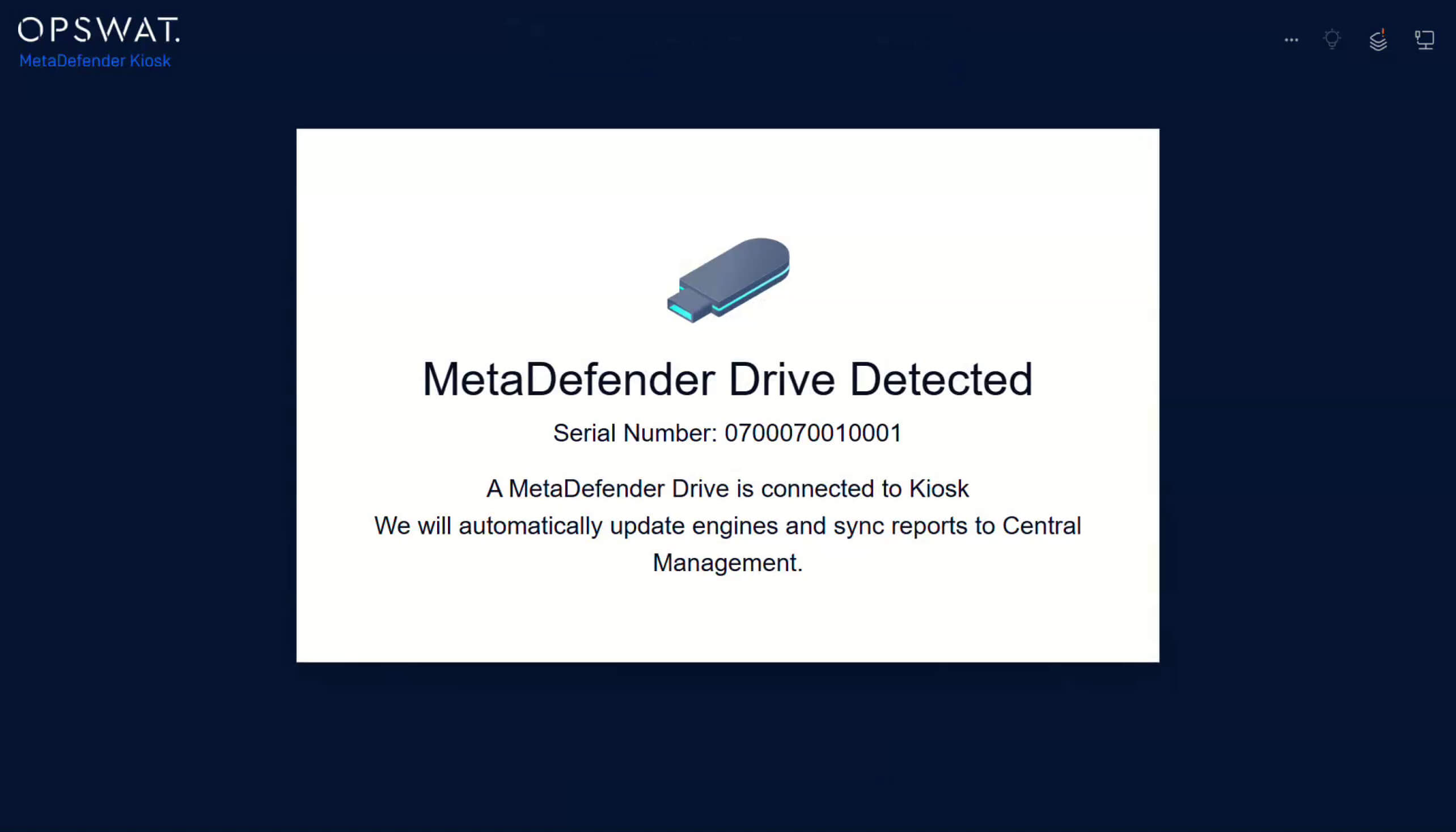
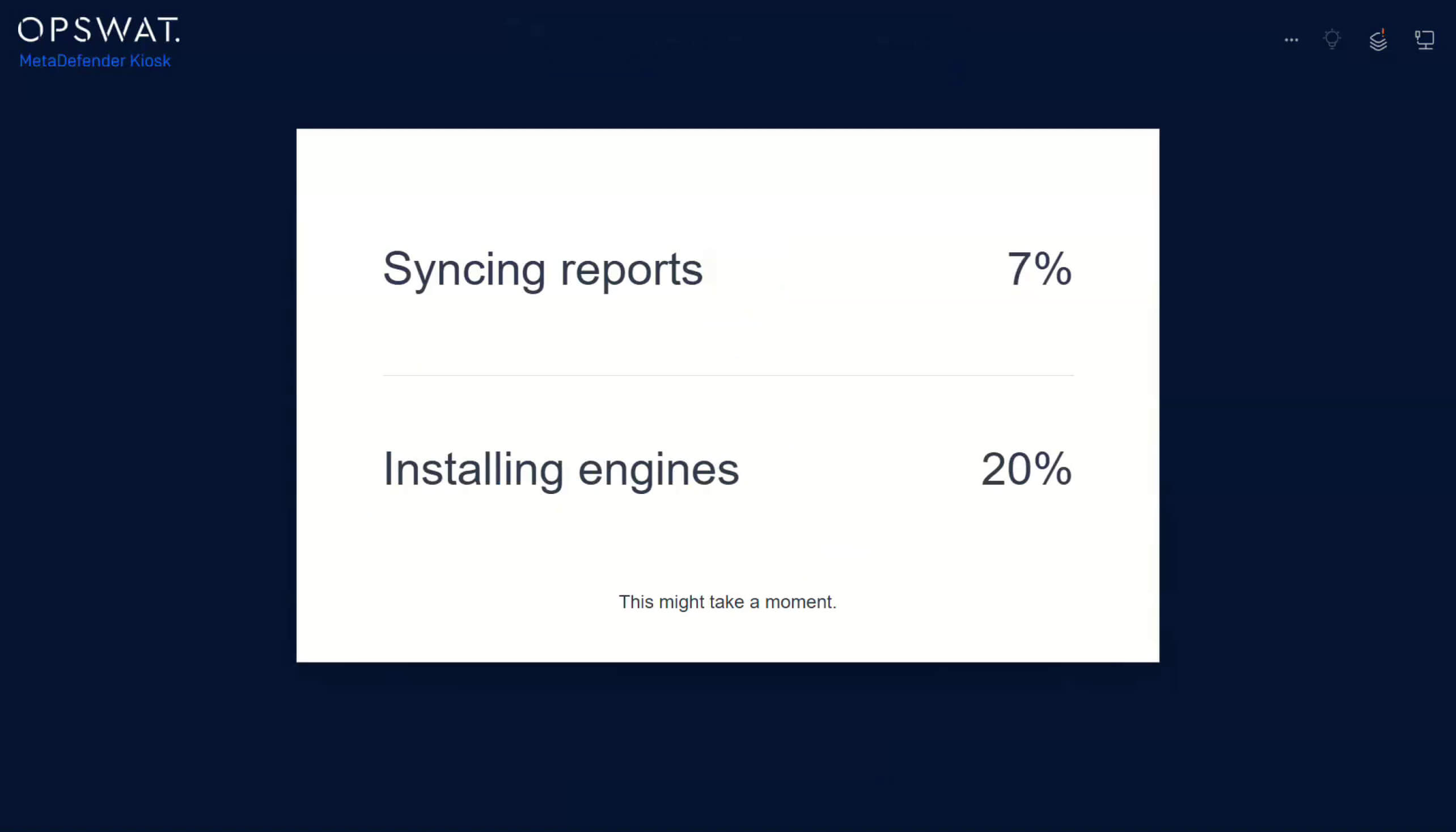
3. La progression de la synchronisation avec My OPSWAT Central Management être suivie depuisKiosk MetaDefender Kiosk .
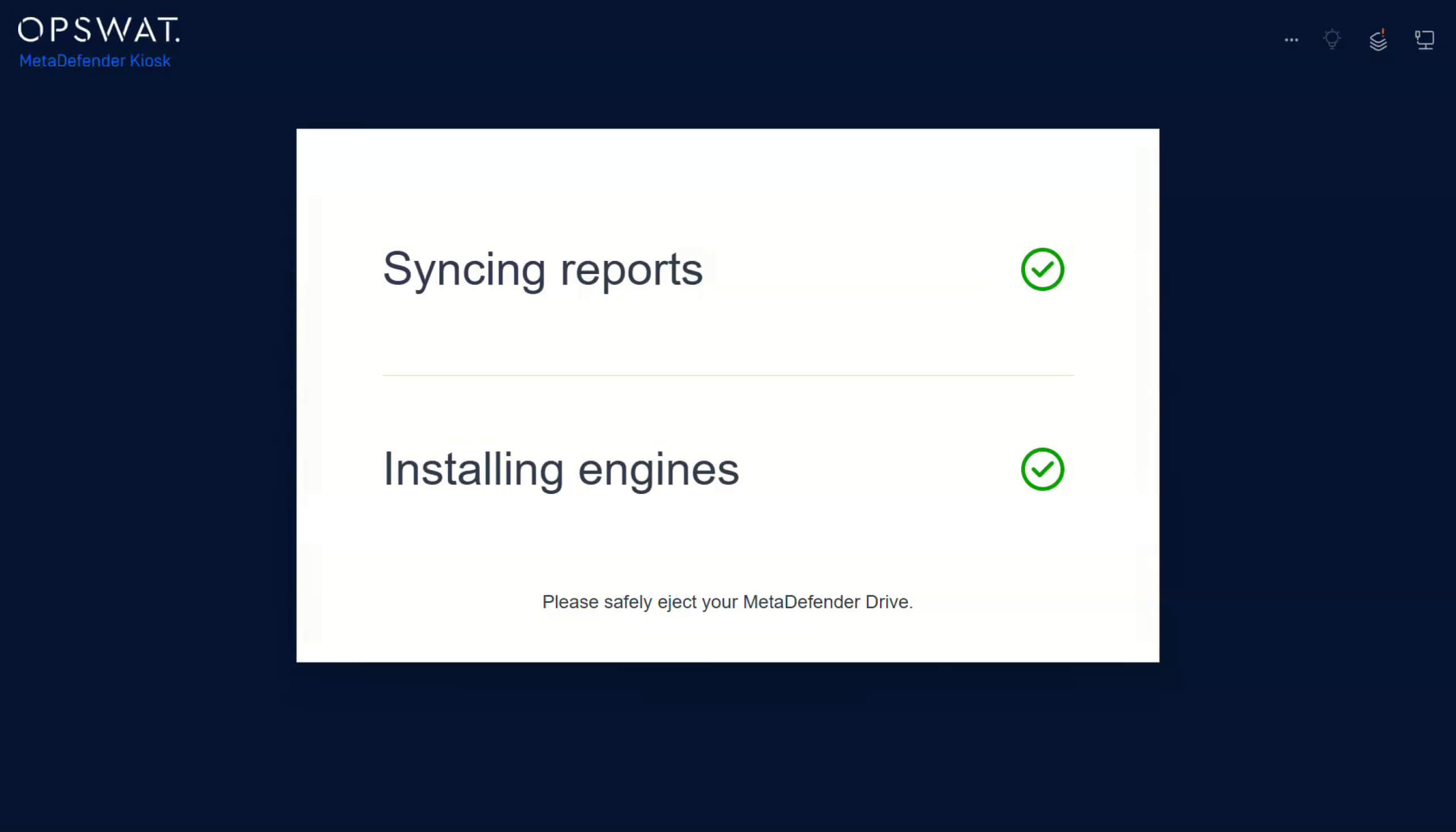
4. Une fois la mise à jour terminée, débranchezDrive MetaDefender Drive en toute sécuritéDrive reprenez vos activités.
Conçu pour Secure l'évolutivité des opérations
Dans les environnements OT et les environnements strictement réglementés, les processus de mise à jour manuels augmentent le risque de disposer de capacités de détection obsolètes, de configurations incohérentes et de lacunes en matière d'audit. En mettant en place ce processus de synchronisation automatisé, les organisations bénéficient des avantages suivants :
- Versions de moteur identiques sur tous les Drives enregistrés
- Une vue d'ensemble centralisée des activités d'analyse et des rapports dans My OPSWAT
- Réduction des frais généraux d'exploitation grâce à la synchronisation automatique
Détails de la publication :
- Produit : MetaDefender Drive
- Date de sortie : 27 janvier 2026
- Notes de mise à jour : En savoir plus ici
Pour mettre à jourMetaDefender Drive, téléchargez la dernière version deMetaDefender Drive et suivezles instructions d'installation.
- Mots-clés : MetaDefender Drive

